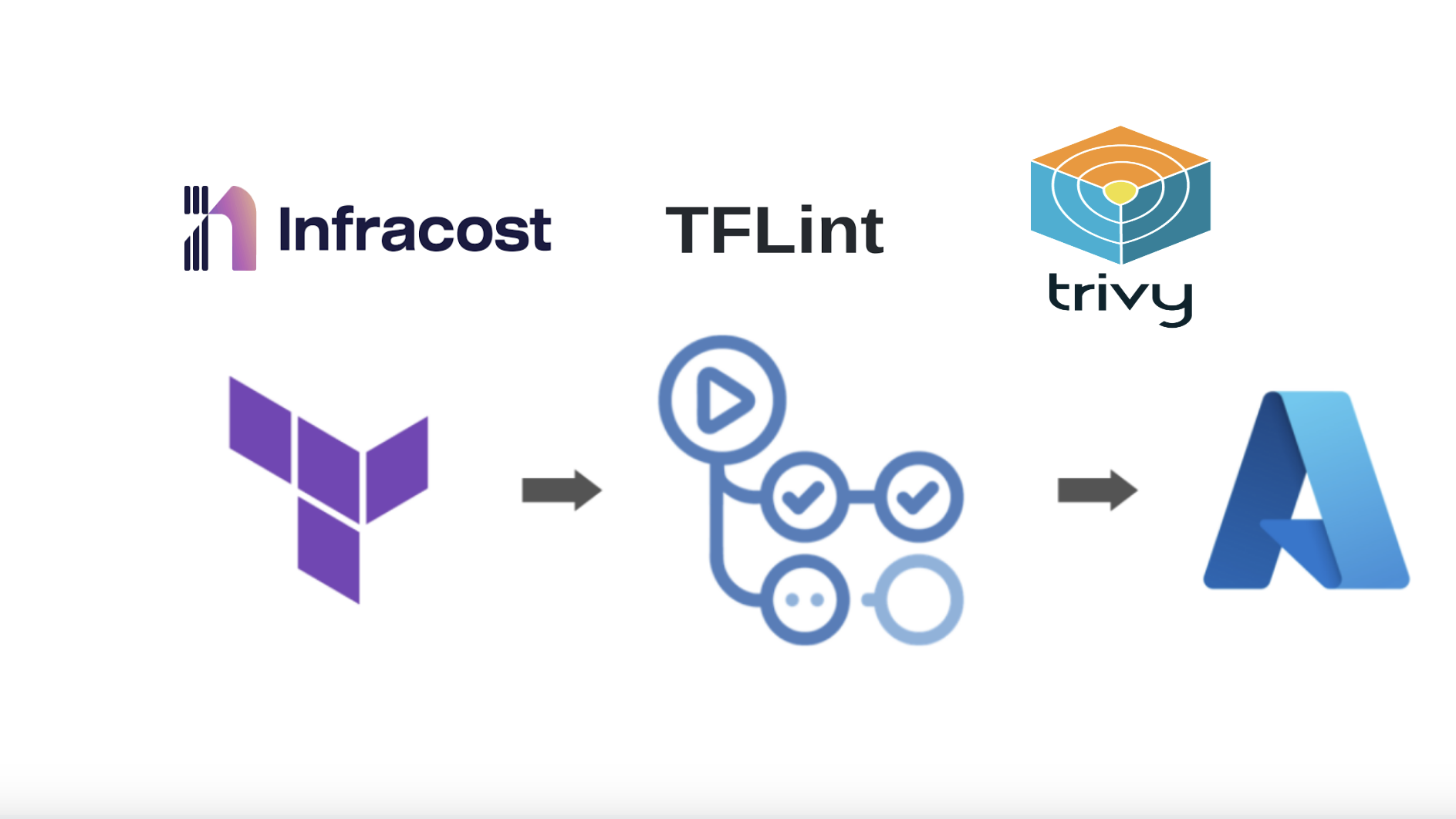
Building a Robust DevSecOps Pipeline: Essential Open-Source Security Tools

Security can no longer be an afterthought in modern software development. DevSecOps integrates security into every phase of the development pipeline, catching vulnerabilities early when they're cheapest to fix. The best part? You don't need expensive enterprise tools to get started.
In this article, we'll explore five powerful open-source security tools that cover your entire stack: GitHub CodeQL for code analysis, Dependabot for dependency management, Terrascan for Infrastructure as Code, Trivy for container scanning, and OWASP ZAP for dynamic testing.
1. GitHub CodeQL: Static Application Security Testing (SAST)
What It Does
CodeQL is GitHub's powerful semantic code analysis engine that treats code as data. Unlike traditional static analysis tools that rely on pattern matching, CodeQL allows you to write queries that can identify complex security vulnerabilities and coding patterns across your entire codebase.
Key Features
Multi-language support: Works with JavaScript, TypeScript, Python, Java, C/C++, C#, Go, Ruby, and more
Deep semantic analysis: Understands code structure and data flow, not just syntax
Customizable queries: Write your own security queries or use the extensive community library
CI/CD integration: Seamlessly integrates with GitHub Actions and other CI systems
Setting Up CodeQL
GitHub makes it incredibly easy to enable CodeQL through the UI without writing any workflow files:
Navigate to your repository on GitHub
Go to the Settings tab
Click on Code security and analysis in the left sidebar
Under "Code scanning", click Set up next to CodeQL analysis
Choose Default setup for automatic configuration
Select the languages you want to scan
Click Enable CodeQL

GitHub will automatically create scanning workflows and start analyzing your code on every push and pull request.
Enable Secret Scanning
While you're in the Code security settings, enable secret scanning to prevent accidental exposure of credentials:
Under "Secret scanning", enable:
Secret scanning: Detects secrets that have been committed to your repository
Push protection: Blocks commits containing supported secrets before they reach your repository

Push protection is crucial—it prevents developers from accidentally committing API keys, tokens, passwords, and other credentials. When a push containing a secret is blocked, GitHub provides guidance on how to remove it safely.
Reviewing CodeQL Alerts
Once enabled, CodeQL will scan your repository and display any security vulnerabilities it finds:

Each alert provides:
Detailed vulnerability description
Affected code location with highlighted lines
Severity level (Critical, High, Medium, Low)
Remediation guidance and fix suggestions
Ability to dismiss false positives with justification
Best Practices
Enable CodeQL on all repositories, especially those handling sensitive data
Review alerts regularly and triage them promptly—CodeQL provides detailed remediation guidance
Use the "Dismissed" feature wisely—document why alerts are false positives
Monitor the Security Overview dashboard for organization-wide security posture
2. Dependabot: Automated Dependency Management
What It Does
Dependabot automatically monitors your project dependencies for known security vulnerabilities and outdated packages. It creates pull requests to update vulnerable dependencies, complete with changelog information and compatibility assessments.
Key Features
Vulnerability alerts: Real-time notifications about security issues in your dependencies
Automated updates: Creates PRs to update vulnerable packages
Version compatibility: Understands semantic versioning and suggests appropriate updates
Multi-ecosystem support: Works with npm, pip, Maven, NuGet, Composer, and more
Enabling Dependabot
Like CodeQL, Dependabot can be enabled directly through GitHub's UI:
Go to your repository Settings
Navigate to Code security and analysis
Under "Dependabot", enable the following:
Dependabot alerts: Get notified about vulnerable dependencies
Dependabot security updates: Automatically create PRs to fix vulnerabilities
Dependabot version updates: Keep dependencies up-to-date (optional)

Managing Dependabot Alerts
Once enabled, Dependabot continuously monitors your dependencies:

The Dependabot alerts page shows:
Vulnerable package name and affected versions
CVE details and severity scores
Which files are affected
Available patched versions
One-click option to create a security update PR
Security Impact
Third-party dependencies account for a massive portion of modern application code—often 80% or more. A single vulnerable package can compromise your entire application. Dependabot helps you maintain a secure supply chain by ensuring you're always running patched versions of your dependencies.
Best Practices
Enable Dependabot security updates immediately—they're free on GitHub
Set up automated testing to validate dependency updates before merging
Configure grouped updates for related packages to reduce PR noise
Review dependency changes carefully, especially major version bumps
3. Terrascan: Infrastructure as Code Security
What It Does
Terrascan is a static code analyzer for Infrastructure as Code that detects compliance and security violations before your cloud infrastructure is provisioned. It supports Terraform, Kubernetes, Helm, Dockerfiles, and more.
Key Features
500+ built-in policies: Covers CIS Benchmarks, NIST, PCI-DSS, GDPR, and more
Multi-cloud support: Works with AWS, Azure, GCP, and Kubernetes
Custom policies: Write your own rules using Rego (Open Policy Agent)
CI/CD integration: Easy integration with popular CI platforms
Installation and Usage
# Install Terrascan
curl -L "$(curl -s https://api.github.com/repos/tenable/terrascan/releases/latest | grep -o -E "https://.+?_Linux_x86_64.tar.gz")" > terrascan.tar.gz
tar -xf terrascan.tar.gz terrascan && rm terrascan.tar.gz
sudo mv terrascan /usr/local/bin

# Scan Terraform code
terrascan scan -t terraform -d /path/to/terraform

# Scan with specific compliance framework
terrascan scan -t terraform -d . -p aws -i cis

# Generate SARIF output for GitHub
terrascan scan -t terraform -d . -o sarif > results.sarif
Integration Example
Add Terrascan to your CI pipeline:
# GitHub Actions
- name: Terrascan IaC Scanner
  uses: tenable/terrascan-action@main
  with:
    iac_type: 'terraform'
    iac_dir: 'infrastructure/'
    policy_type: 'aws'
    only_warn: false
    sarif_upload: true
Why IaC Security Matters
Misconfigured cloud resources are among the most common causes of data breaches. Public S3 buckets, overly permissive IAM roles, and exposed databases have led to countless security incidents. Terrascan catches these issues before infrastructure is deployed, preventing costly mistakes.
4. Trivy: Comprehensive Container Security
What It Does
Trivy is an all-in-one vulnerability scanner for containers, filesystems, and Git repositories. It detects vulnerabilities in OS packages, application dependencies, IaC misconfigurations, and even secrets accidentally committed to code.
Key Features
Multiple scan targets: Container images, filesystems, repositories, Kubernetes clusters
Comprehensive vulnerability database: Covers OS packages and language-specific dependencies
Fast and accurate: Uses multiple data sources for high-quality results
Secret detection: Finds API keys, passwords, and tokens in your code
Kubernetes integration: Scan running workloads for vulnerabilities and misconfigurations
Basic Usage
# Install Trivy
wget -qO - https://aquasecurity.github.io/trivy-repo/deb/public.key | sudo apt-key add -
echo "deb https://aquasecurity.github.io/trivy-repo/deb $(lsb_release -sc) main" | sudo tee -a /etc/apt/sources.list.d/trivy.list
sudo apt-get update
sudo apt-get install trivy

# Scan a container image
trivy image nginx:latest

# Scan with severity filtering
trivy image --severity HIGH,CRITICAL myapp:1.0.0

# Scan a filesystem
trivy fs /path/to/project

# Scan for secrets
trivy fs --scanners secret /path/to/repo

# Generate reports
trivy image --format json --output results.json myapp:latest
CI/CD Integration
# GitHub Actions example
- name: Run Trivy vulnerability scanner
  uses: aquasecurity/trivy-action@master
  with:
    image-ref: 'myregistry/myapp:${{ github.sha }}'
    format: 'sarif'
    output: 'trivy-results.sarif'
    severity: 'CRITICAL,HIGH'

- name: Upload Trivy results to GitHub Security
  uses: github/codeql-action/upload-sarif@v2
  with:
    sarif_file: 'trivy-results.sarif'
Advanced Features
Trivy's versatility makes it invaluable for container security:
SBOM generation: Create Software Bill of Materials for compliance
Kubernetes operator: Continuously scan running containers in your cluster
Policy enforcement: Fail builds based on custom vulnerability thresholds
Air-gapped environments: Can run offline with downloaded vulnerability databases
5. OWASP ZAP: Dynamic Application Security Testing
What It Does
While the previous tools focus on static analysis, OWASP ZAP (Zed Attack Proxy) performs dynamic application security testing by actively probing your running application for vulnerabilities. It's the world's most popular web application security scanner.
Key Features
Active and passive scanning: Detects vulnerabilities through both traffic analysis and active testing
OWASP Top 10 coverage: Identifies injection flaws, XSS, authentication issues, and more
API testing: Supports REST, SOAP, GraphQL, and WebSocket testing
Extensible: Hundreds of add-ons available for specialized testing
Automation-friendly: Excellent CLI and API support for CI/CD
Getting Started
# Run ZAP in Docker
docker pull zaproxy/zap-stable

# Baseline scan (passive)
docker run -t zaproxy/zap-stable zap-baseline.py -t https://yourapp.com

# Full scan (active)
docker run -t zaproxy/zap-stable zap-full-scan.py -t https://yourapp.com

# API scan
docker run -t zaproxy/zap-stable zap-api-scan.py -t https://api.yourapp.com/openapi.json -f openapi
CI/CD Integration
on: [push]

jobs:
  zap_scan:
    runs-on: ubuntu-latest
    name: Scan the webapplication
    steps:
      - name: Checkout
        uses: actions/checkout@v4
        with:
          ref: master
      - name: ZAP Scan
        uses: zaproxy/action-full-scan@v0.12.0
        with:
          token: ${{ secrets.GITHUB_TOKEN }}
          docker_name: 'ghcr.io/zaproxy/zaproxy:stable'
          target: 'https://www.zaproxy.org/'
          rules_file_name: '.zap/rules.tsv'
          cmd_options: '-a'
Best Practices
Start with baseline scans in staging environments
Integrate ZAP early but configure it to not block deployments initially
Use authenticated scans to test protected functionality
Create custom scan policies that match your application's risk profile
Review false positives and tune configurations over time
Building Your DevSecOps Pipeline
Now that we've covered individual tools, let's look at how they work together in a complete DevSecOps pipeline:
Development Phase
CodeQL scans code on every commit and pull request
Dependabot monitors dependencies and creates update PRs
Developers receive immediate feedback on security issues
Build Phase
Terrascan validates Infrastructure as Code before deployment
Trivy scans container images for vulnerabilities
Builds fail if critical vulnerabilities are detected
Testing Phase
OWASP ZAP performs dynamic security testing against staging environments
API security tests validate authentication and authorization
Security reports are generated and reviewed
Deployment Phase
Only passing builds with acceptable security posture are deployed
Runtime security monitoring begins (using tools like Falco or Sysdig)
Continuous scanning detects newly discovered vulnerabilities
Implementation Strategy
Don't try to implement everything at once. Here's a pragmatic rollout approach:
Week 1-2: Enable CodeQL and Dependabot on your most critical repositories. These have minimal overhead and provide immediate value.
Week 3-4: Integrate Trivy into your container build process. Start with warnings only, then gradually enforce policies.
Week 5-6: Add Terrascan to your IaC repositories. Begin with audit mode to understand your current security posture.
Week 7-8: Introduce OWASP ZAP for dynamic testing in staging environments. Initially run scans manually, then automate.
Ongoing: Tune configurations, reduce false positives, train team members, and expand coverage.
Measuring Success
Track these metrics to demonstrate the value of your DevSecOps implementation:
Mean Time to Remediation (MTTR): How quickly vulnerabilities are fixed after discovery
Vulnerability density: Number of vulnerabilities per thousand lines of code
Security debt: Accumulation of known but unresolved security issues
Shift-left effectiveness: Percentage of vulnerabilities caught before production
False positive rate: Accuracy of security tools (aim for <10%)
Conclusion
Building a secure software delivery pipeline doesn't require expensive enterprise tools. The open-source ecosystem provides powerful, production-ready solutions that cover every layer of your stack—from source code to running containers.
By integrating CodeQL, Dependabot, Terrascan, Trivy, and OWASP ZAP into your development workflow, you create multiple defensive layers that catch security issues early and often. The key is starting small, measuring results, and continuously improving your security posture.
Remember: DevSecOps is a journey, not a destination. Begin with one or two tools, demonstrate value to your organization, and gradually expand your security automation. Your future self—and your security team—will thank you.
Additional Resources
Start securing your pipeline today—your code, your users, and your organization deserve it.